Connect a Device
This feature is only supported for phones with integrated Bluetooth and Wi-Fi, i.e., phones with DBW suffix flavor.
You can find a device to connect to, to access your Teams account.
| ➢ | To connect to a device: |
| 1. | In the 'Calls' screen (or 'People' screen, 'Calendar' screen or 'Voicemail' screen), tap the phone menu  and then tap Connect a device. and then tap Connect a device. |
| 2. | Tap + to find a device or if a device is already found, tap the Connect button. |
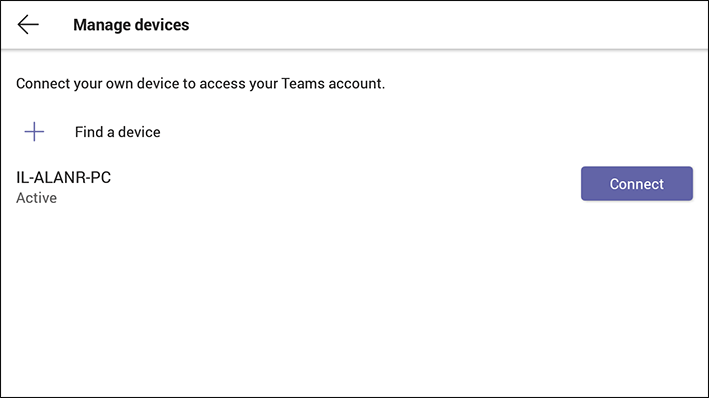
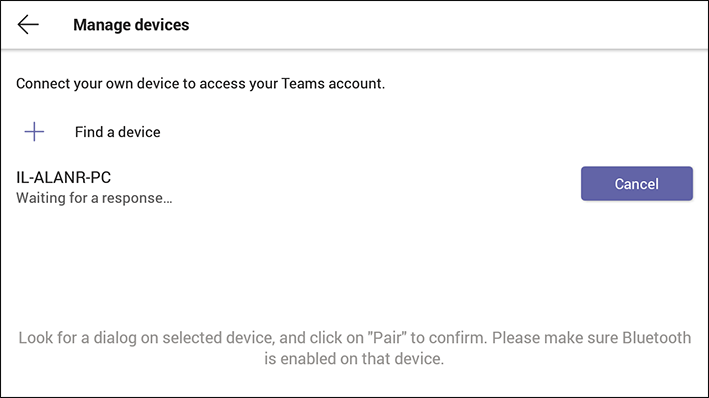
| 3. | In the screen displayed by the selected device, tap Pair. Make sure wireless is enabled on that device. |